Creative Suite 6
Since Adobe launched its graphic editing software in the mid-80s, it’s gone from strength to strength. When it released the Creative Suite in September 2003 Adobe have never looked back, it’s excelled at a speed never thought possible. Adding more programs with each release, Adobe have most designers using their products in some way or form. Be it from an edited image in Photoshop, to publishing a PDF, Adobe’s foothold in the market is sure not to be eroded.
With the latest release of the Creative Suite, CS6, Adobe is looking now towards a world driven by mobile influence. With a large majority of the programs having some aspect of mobile driven production in it, Adobe still haven’t forgotten their roots in print production.
Illustrator
Starting with Illustrator CS6, the first thing you’ll notice is that the application window is a dark grey colour – this is commonplace with all new CS6 products, but can be changed. The main improvement will be one that you won’t actually find in a menu – it’s the Adobe Mercury Performance System. It allows native 64-bit support on Mac and Windows and you can access all the RAM on your computer to easily open, save and export large files. The overall improvement is that the whole thing feels faster and more responsive.
Pattern Creation is another big selling point for Illustrator CS6. Allowing you to create a sample area for a pattern, it will then repeat this the way that you need. A more efficient interface allows for a quicker and more improved workflow, with things like precise colour sampling and inline editing of layer names. Another big feature is gradients on strokes, whether it’s across the width or along the length of the stroke, this is a new feature that wasn’t available in CS5.
Photoshop
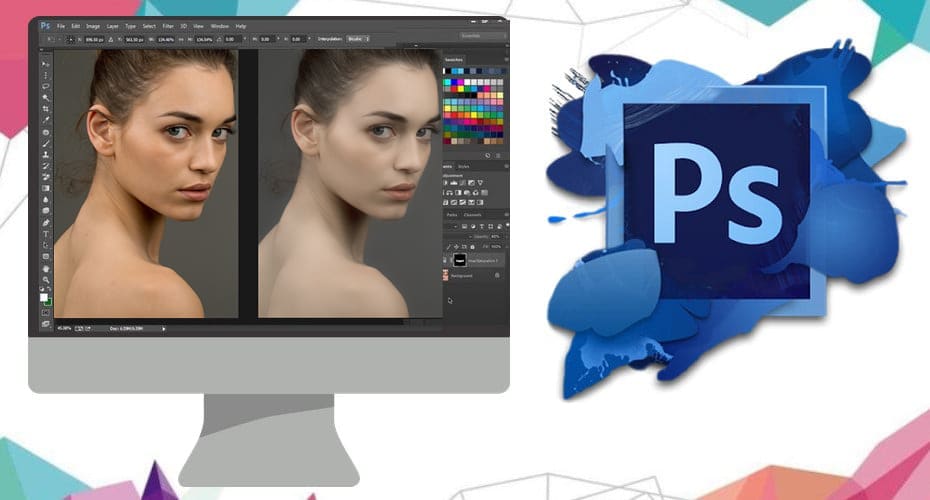
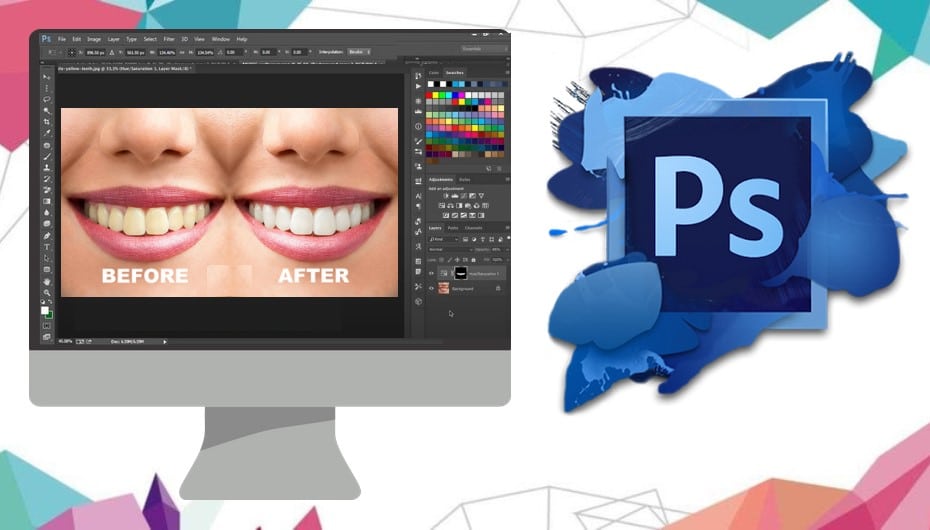
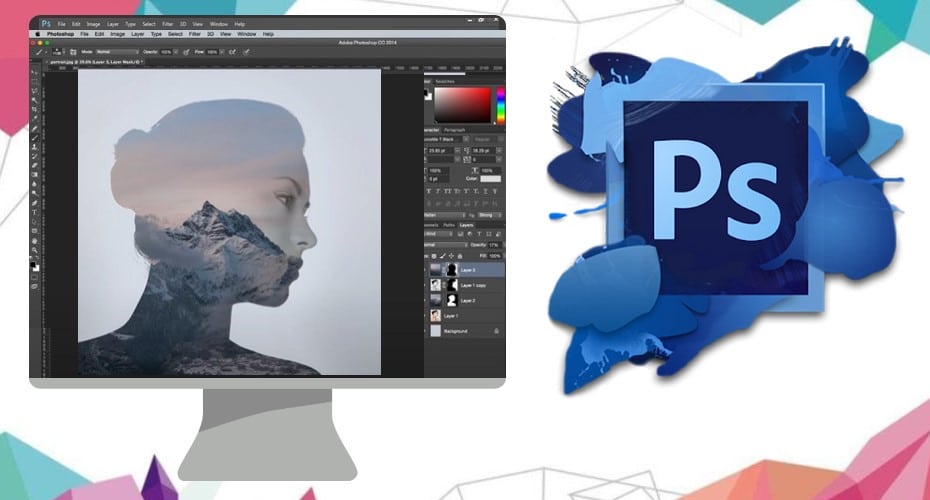
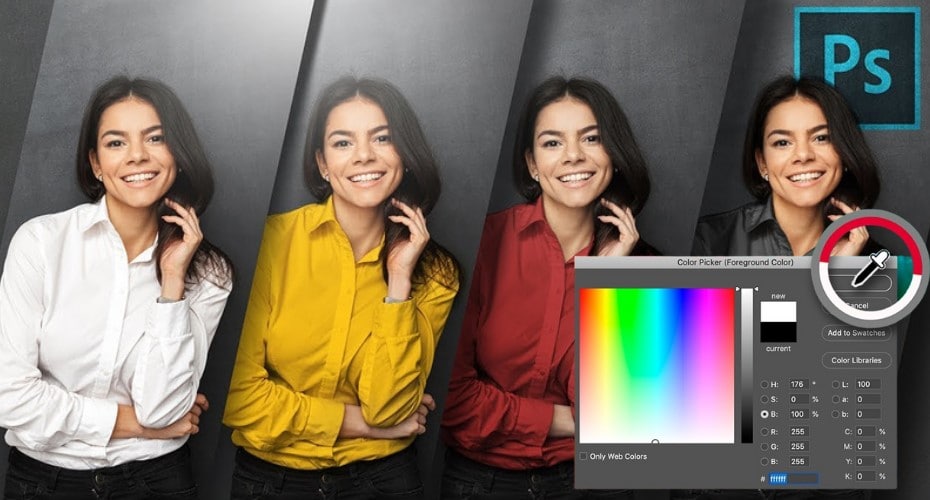
Over in Photoshop this is where we see some mighty improvements. Yet again we see the Mecury Graphics Engine come into play. We see almost instant results when using tools such as Liquify. When using most layer styles we see almost instant results which are always going to be a huge bonus for time-dependant designers. CS5 seen the Content-Aware Fill tool really take off, in CS6 it’s vastly improved allowing you to choose the area that Content-Aware will use to create your patch. There are also new design tools, allowing for dashed lines to be created easily, quick search layers, formatting with type styles. One of the new tools that will have photographers drooling is the new Crop tool. You can crop images a lot quicker and with far greater precision, including a non-destructive crop tool. You can level your wonky horizons as well with ease.
InDesign
Over in InDesign we see a lot more influence on digital output, although its roots are still well cemented in print. Liquid layouts allow us to apply rules to automatically adapt content when creating an alternate layout with a different size or orientation. You can instantly create various outputs for web, print, mobile all within the one InDesign file. There is also more language support including Middle Eastern language and a lot more Preflight options. One of our favourites is the Greyscale Preview, allowing you to see how it will look in black and white, also allowing for Greyscale PDF export.
Dreamweaver
Finally in Dreamweaver we see again Fluid Grid Layouts being the main selling point. It uses the new CSS3-based Fluid Grid System. This is a clever tool for quickly changing between screen, tablet, smartphone screen widths. Enhanced jQuery support is also included which allows you to build mobile apps for iOS and Android using updated support for jQuery Mobile. CSS3 transitions are also a big plus in DW CS6, allowing really cool transitions to be applied to the CSS side of your site without the need for jQuery.
So there we have it, a brief overview of the new features in CS6. Thankfully Adobe are allowing us to have the Suite for a very reasonable £45 per month, and this includes a lot of nice extras such as a visual web design tool called Adobe Muse and document sync on the Creative Cloud. Adobe really are pushing themselves in terms of making their products accessible and useable for every occasion. What will happen in CS7?
Who knows…
Related Posts
Bizarre photos of dogs photoshopped into peopleOctober 16, 2012
How to Cross Process Photos in PhotoshopMay 21, 2012
Introducing the PhotoGuides ForumJune 19, 2011
Episode 11: Photoshopping iCloud Style Aluminium IconsJune 9, 2011
Adding Amazing Light To Your PortraitsMarch 29, 2010
-
reoneill
-
Temp