Episode 2: Photoshopping iPod Graffiti
You're not seeing anything here because either you haven't logged in or you're not a PhotoGuides member. Don't worry though, it's free to join
There’s a Podcast version too, and it likes you.
Ever since apple started the campaign a few years ago, iPod graffiti has been immensely popular and is one of the most recognized and effective trademarks in advertising today. In this guide you’ll learn how to create your own iPod graffiti photo in a few simple steps.
Once you’ve got the basics covered you’ll be able to explore a wide range of customizations to make your photo truly unique.
There are a few resources you’ll need to try this for yourself:
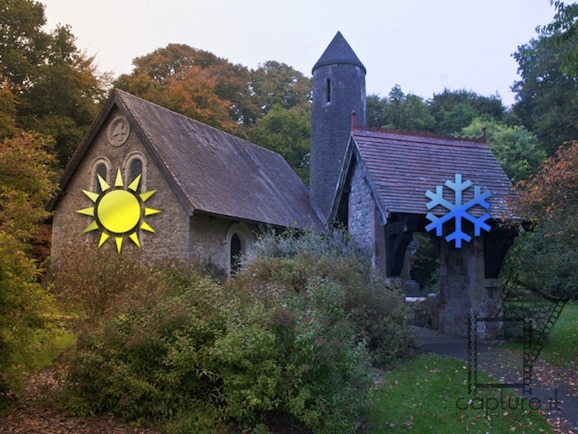
The original photo, by Néstor Baltodano
or you could search Flickr for your own.
Grunge Brushes
More Grunge Brushes
Grunge Corners (very handy)
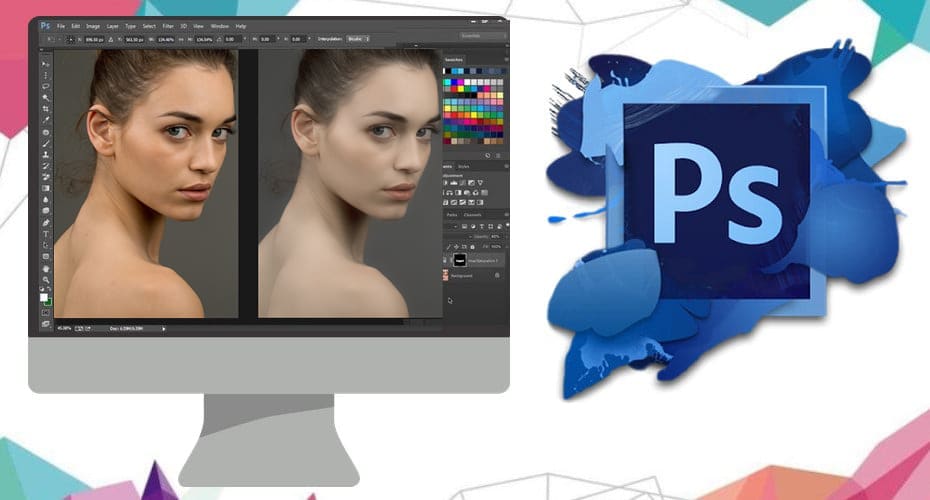
This is the photograph created in the guide:
Also, if your internet doesn’t like this Vimeo version and its high quality and size, it might get along better with the Youtube Version.
Good luck!


30. Jun, 2009 


oh, thanks ash
i’ve always wanted to know how to do this.
[Reply]
why can’t I download the Photoshop file? … there only comes a new Tab where stands: “The requested URL was not found….”
[Reply]
Ash Davies Reply:
November 26th, 2009 at 12:45 am
Thanks for the tip. It should be working now
[Reply]
Yes, it works now, thank you! …. great tutorial!
(I’m sorry for my bad englisch, but i’m german
)
[Reply]
Awesome tutorial to learn. Very easy and well defined . thanks for sharing this nice post.
[Reply]