Archive for category: Photoshop

Creating A Polaroid In Photoshop

Creating A Polaroid In Photoshop

Taken a great old school picture, but don’t know what to do with it? In this tutorial we’re going to learn how to transform it into an old fashioned polaroid in photoshop. In a few simple steps you can create a polaroid with your own picture!

Adding Amazing Light To Your Portraits

Adding Amazing Light To Your Portraits

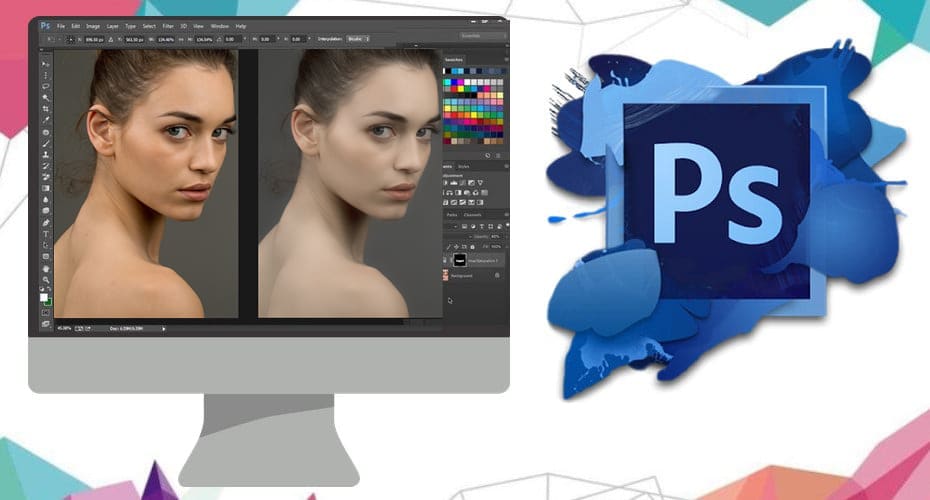
A portrait itself can be nice, and good looking. But if you like taking photos of people, I’m sure you have experienced the boring light which sometimes appears. Fortunately, our dear friend Photoshop can help us making almost any portrait look better. You know, like the ones you see in magazines, where they claim L’oreal makes you look all better. If you have a boring portrait, or just want to make one more exciting, follow these 6 easy steps.

Grainy Black And White Photo Tutorial

Grainy Black And White Photo Tutorial

Today we are going to make a grainy black and white photo using adjusments filters, noise filters and much more. We will look at the difference between different adjustment filters like ‘black and white’ and the saturation adjustment. Which one will we use? Well lets find that out!

Adding Color to your Subjects in Photoshop

Adding Color to your Subjects in Photoshop

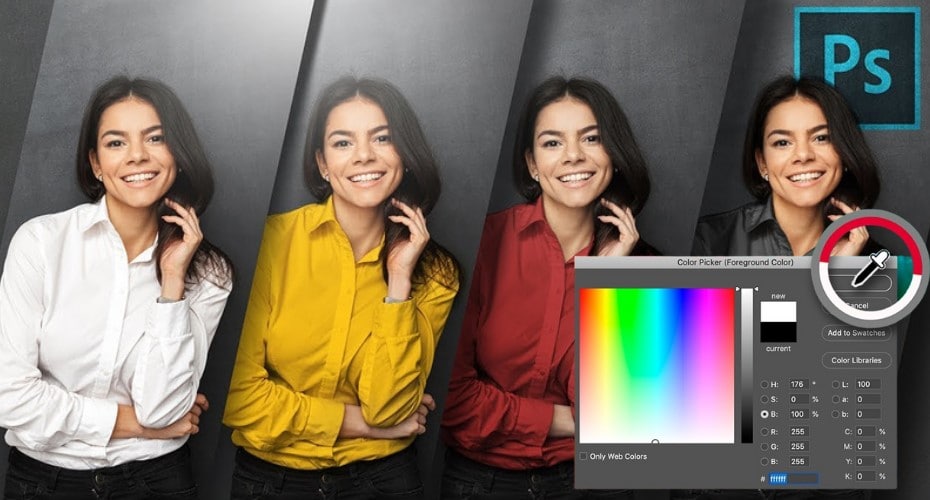
Most of us now use a handy little tool in Photoshop for correcting an stylising our photographs. But if you’re like me; you want your subject to pop, and actions sometimes seem to flatten the colors of your image especially of your subject. Hopefully this quick tip will help us all out.

Episode 10: Photoshopping Neon Text

Episode 10: Photoshopping Neon Text

Neons were invented by accident over 300 years ago when a scientist shook a test tube. It took another 200 years for the concept to be rediscovered, and they called their invention ‘The New Gas’, or, as it was known in Greek, ‘Neon’. In this tutorial we learn how to create an incredibly realistic neon using nothing but photoshop.